1
Go to the person icon > Single Login Profile or go to Help > Single Login Profile.

2
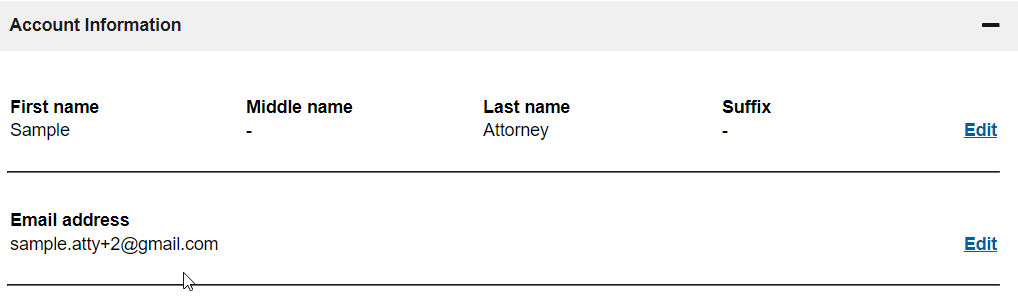
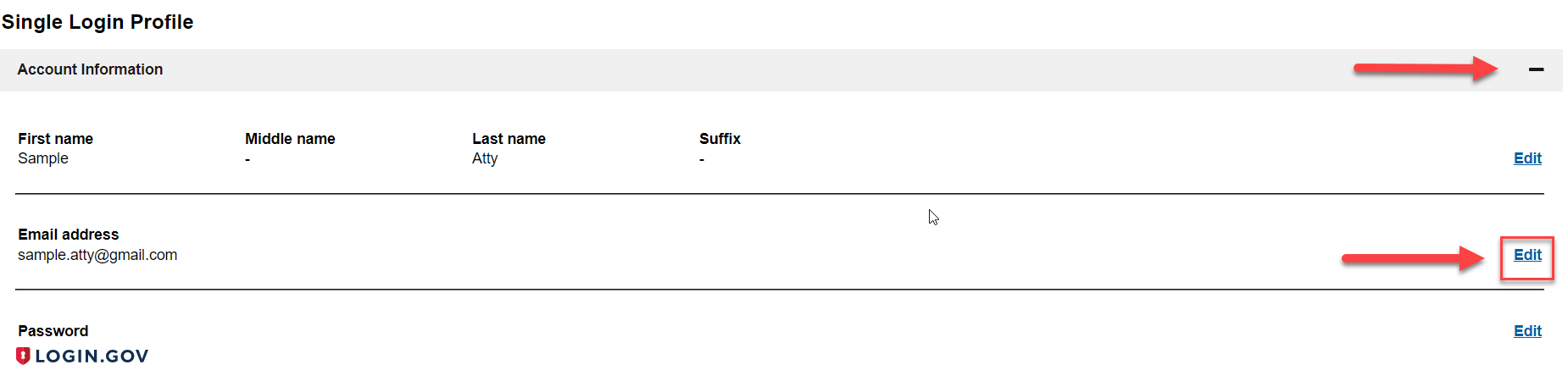
On the Single Login Profile Page, click the “+” symbol if needed to expand the section titled Account Information. Click Edit in the name row.
3
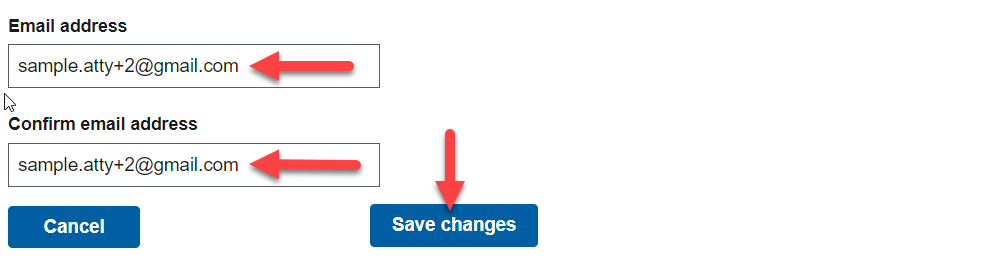
Update and confirm new email address and click Save changes.
4
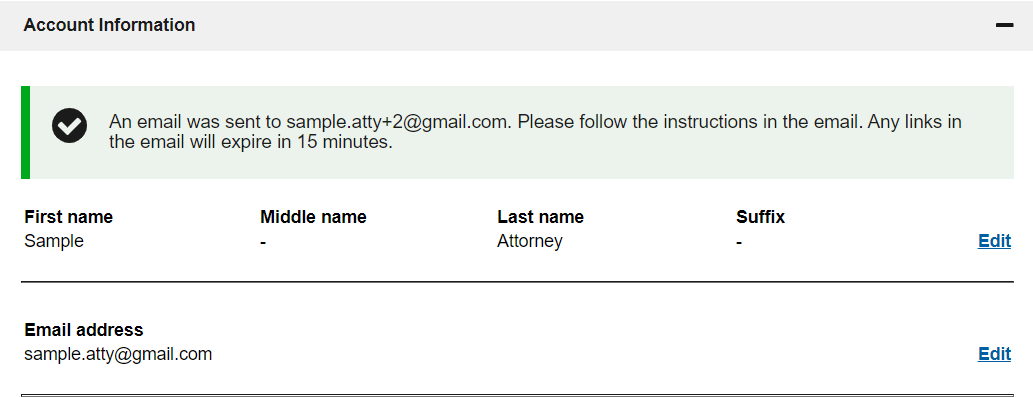
A message will display advising you to check your email at your new email address.
5
For security purposes, a message is sent to the prior email address notifying of the email address change.

6
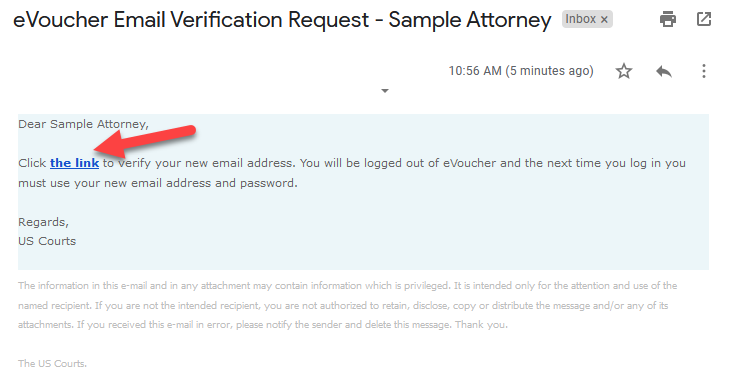
A message with a link is sent to the new email address which must be clicked within 15 minutes to confirm the change of email address. Click the link to confirm change.
7
A message will display if your email address has been successfully updated. You will need to use your new email address on your next log in to eVoucher.
8
Verify changes were saved.